
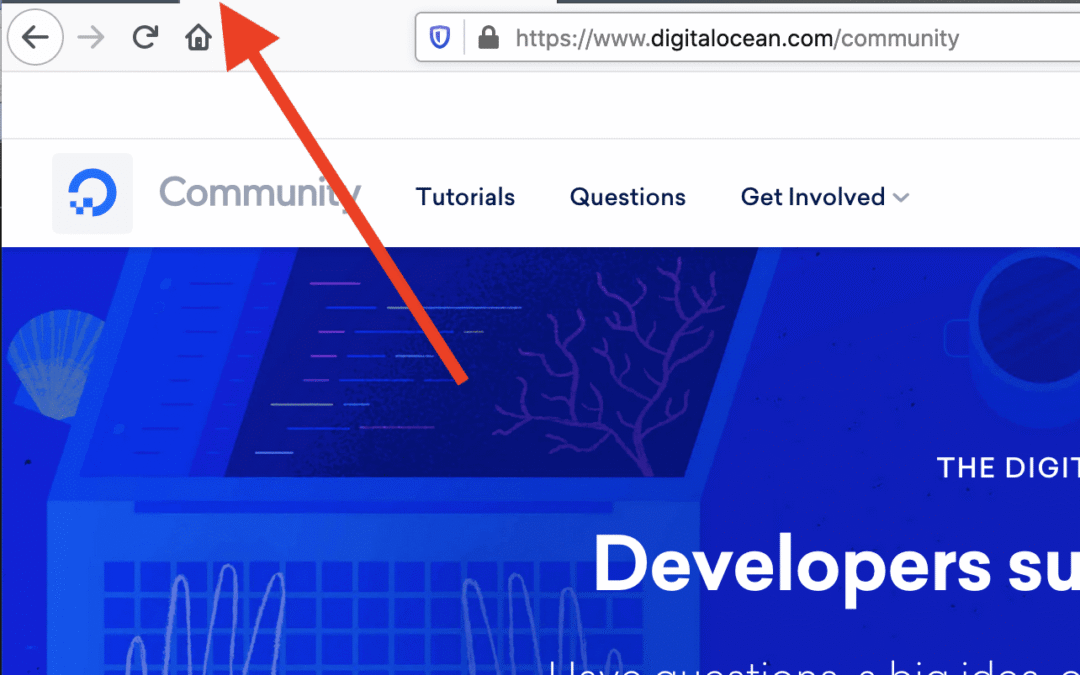
What is a Favicon?
A favicon is a small 16×16 pixel icon that represents your website’s branding. Its main purpose is to help visitors easily identify your page when they have multiple tabs open.
Because of their tiny size, favicons work best as very simple images or as one to three characters of text.
Where Can You See a Favicon?
Favicons appear in various places that identify your website, including:
- Bookmarks or favourites menus
- Browser tabs
- Toolbar applications
- History lists
- Search bars and suggestions
Why Are Favicons Important?
Favicons are an immediate visual marker for your website, enabling users to recognise your brand quickly. They also create a consistent and professional browsing experience across different parts of a browser.
Do Favicons Affect SEO?
Favicons are not a direct ranking factor, but they do indirectly help your website’s SEO by improving user experience. Here’s how:
- User-friendly websites get more engagement: Having a visible favicon makes your site easier to identify in tabs, bookmarks, and history lists. This encourages users to return, spend longer on your site, and engage more — signals that search engines value.
- Bookmarks help visibility: A favicon makes your site stand out in a list of saved sites, encouraging repeat visits. If you don’t have one, your site may be overlooked. Increased repeat visits and traffic ultimately benefit your SEO.
- Brand recognition: A favicon strengthens your brand identity, making your website more memorable. Strong branding leads to more clicks and visibility, which supports long-term SEO success.
How to Create a Good Favicon
Although small, your favicon carries a lot of branding weight. Here are some tips for designing one effectively:
- Use space wisely – a favicon is not always just a smaller version of your logo. At 16px, it needs to be simplified.
- Keep it simple – the best favicons are clear and uncluttered. Use bold colours and clean shapes so it stands out at tiny sizes.
- Reflect your brand identity – ideally, your favicon should visually represent your business. Even with limited space, creativity can communicate what your brand is about.
- Consider abbreviations – many businesses use initials or the first letter of their name when a full logo won’t work at favicon size.
- Choose colours carefully – high contrast colours work best. Remember favicons appear on different backgrounds (grey, black, white), depending on the browser.
Recommended Favicon Sizes
While 16px is the universal standard, favicons can be created in multiple sizes for different devices and uses:
- 16px – General use in all browsers (tabs, address bar, bookmarks)
- 24px – Pinned sites in Internet Explorer 9
- 32px – Internet Explorer new tab page, Windows 7+ taskbar button, Safari “Read Later” sidebar
- 57px – iPod Touch and early iPhone home screen icons
- 72px – iPad home screen icon
- 96px – Google TV platform favicon
- 114px – iPhone 4+ retina display home screen icon
- 128px – Chrome Web Store
- 195px – Opera Speed Dial
Favicon File Formats
Several file formats can be used for favicons. The most common are:
- ICO – The most widely supported. Can contain multiple sizes and resolutions. Essential for Internet Explorer and Windows taskbars.
- PNG – Small file size, supports transparency, and easy to create. However, older Internet Explorer versions do not support PNG favicons.
- SVG – Supported by Opera and some modern browsers.
- GIF – Outdated and distracting; generally avoided.
- JPG – Possible but not ideal due to poor resolution at small sizes.
- APNG – Animated PNG supported by some browsers, but animations are usually considered distracting like GIFs.
✅ Best Practice: Use ICO for widest compatibility, and also provide PNG versions for modern browsers. Stick with simple, bold designs that clearly represent your brand.
If you need help with your Favicon, get in touch!
📞 07498 200 574
✉️ gingerwebsitedesign@gmail.com
🌐 southwestboating.uk/